Custom WordPress websites
Business websites and WooCommerce stores planned around your content and customers, on a custom theme or a well-organised page builder setup.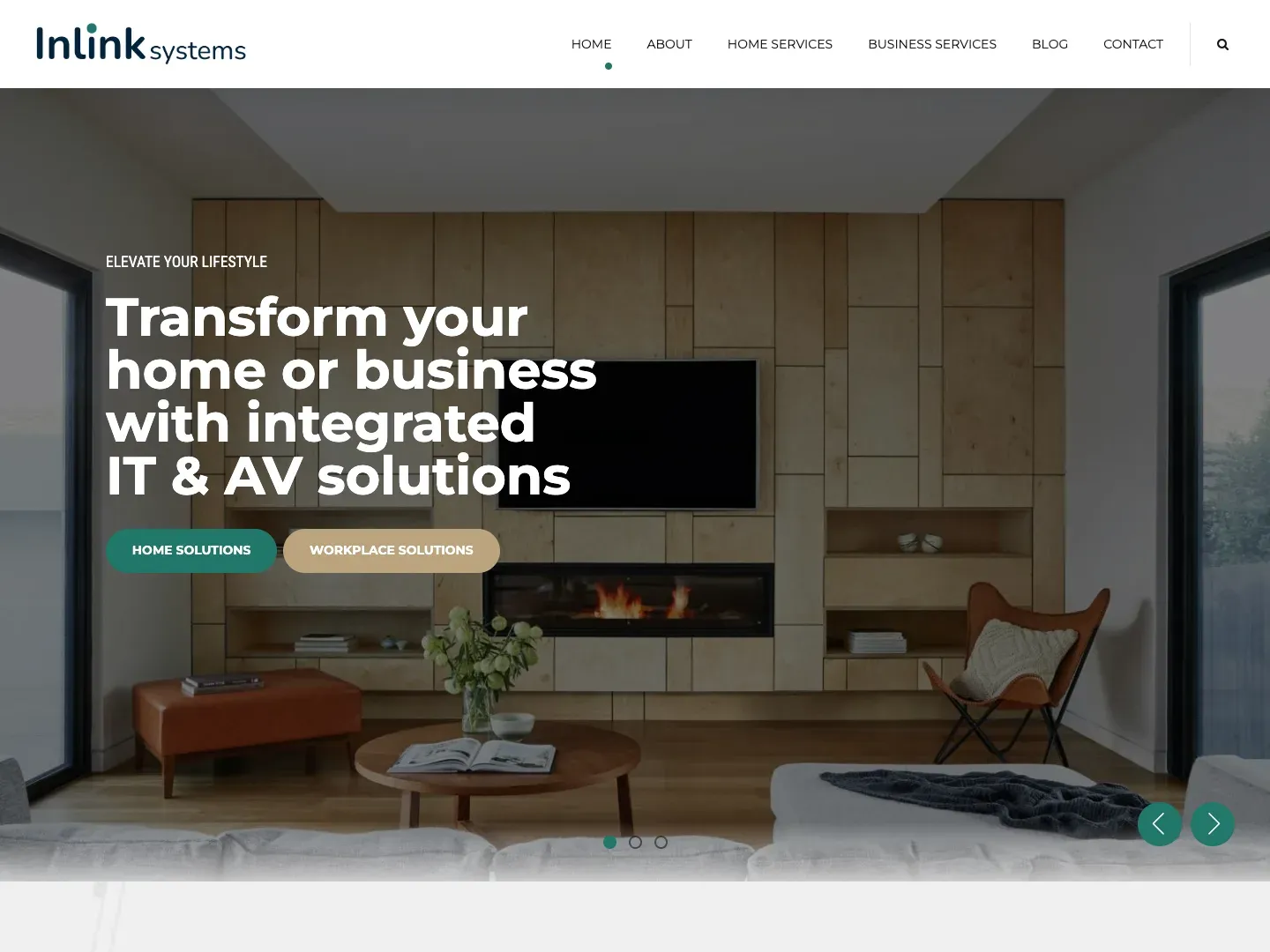
WordPress troubleshooting and development
A plugin update broke the layout, a form submits but nothing reaches the inbox, or tracking stopped after a change. Mian finds the cause and fixes it on the site you already have. New builds and rebuilds are here too, for when the current site really cannot carry on.
Problems we are asked to fix
Send the site and the problem. Mian replies by email within one working day with what he would check first.
Troubleshooting and repairs
We start by finding the cause: an update that changed how a plugin behaves, two plugins in conflict, a PHP or server error, or a template that was edited. Then we fix it, on a staging copy where the site allows it, and check the result on the live site.
Forms, tracking and integrations
Forms that submit but never reach the inbox or CRM, GA4 events that stopped after a redesign, a payment or booking flow that needs to talk to another system. We trace where the data stops and fix that step, with Gravity Forms, Contact Form 7, SMTP, Tag Manager or a custom API integration as the job needs.
Connected to the tools you already use
Gravity Forms and Contact Form 7 entries that reach the right inbox.
SMTP and DNS records checked when WordPress emails go missing.
Enquiries passed to the CRM with the fields it expects.
Events and conversions that record what visitors actually did.
Tags, triggers and consent settings checked after site changes.
Stripe and PayPal in WooCommerce or a custom checkout.
Custom endpoints and third-party APIs connected to WordPress.
Actions that run when a form is sent or an order is placed.
Illustration, not client data
Migrations
Host moves, domain changes and moves from Shopify, Wix or Squarespace to WordPress. We map every URL to its redirect, move the content and settings on staging, test, and then check redirects, indexing, forms and tracking after the switch.
How we work
01
Mian has worked with WordPress since 2014, across custom code, hosting and the plugins most business sites rely on. He scopes and reviews every job, so you deal with the person who understands the problem.
02
Redirects, canonical tags, schema and indexing are checked whenever a change could affect them.
03
Speed work is judged against Core Web Vitals, using field data from real visitors where the site has it, not a single lab score.
LCP
2.5s or less
INP
200ms or less
CLS
0.1 or less
TTFB
0.8s or less
Google's thresholds for a good score
04
Changes are documented and built with reusable blocks, so your team or agency can carry on without guessing.
05
We trace the cause before changing anything, so the fix deals with the problem rather than the symptom.
Fix or rebuild?
The theme or page builder is no longer maintained.
Every update breaks something somewhere else.
Simple content changes need a developer.
The structure no longer matches what the business sells.
Years of added plugins load far more than the pages need.
If the site has reached that point, we will say so and quote a rebuild. If a fix will do, we will say that instead.
Development and rebuilds
For when the current site cannot carry on, or there is no site yet.
Builds and rebuilds get the same checks as repair work: redirects, forms, tracking and speed are tested before launch.
Builds and rebuilds
Six stages, with a staging site you can review before anything goes live.
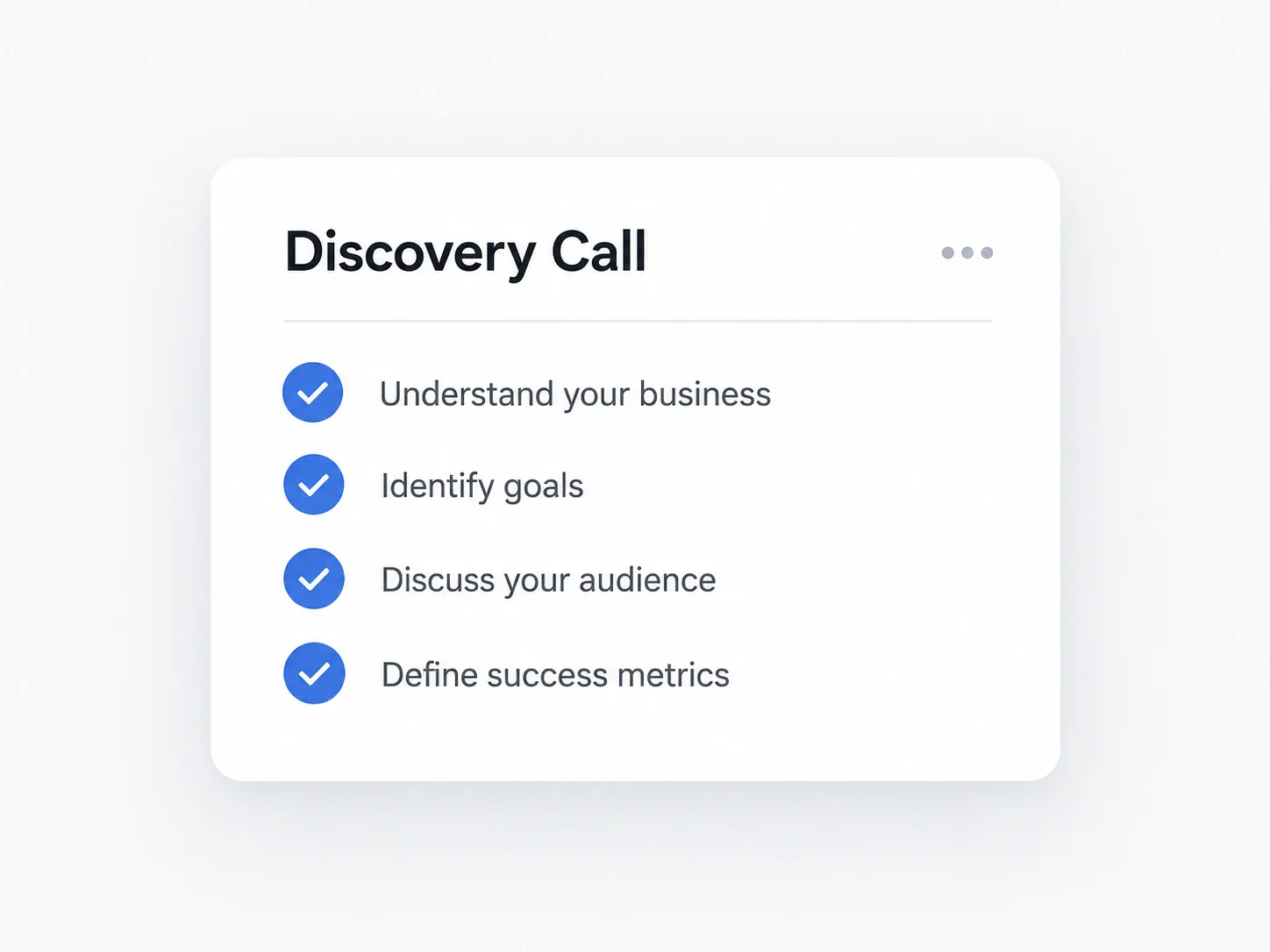
We talk through the business, the audience and what the current site gets wrong, and agree what the new one has to do.
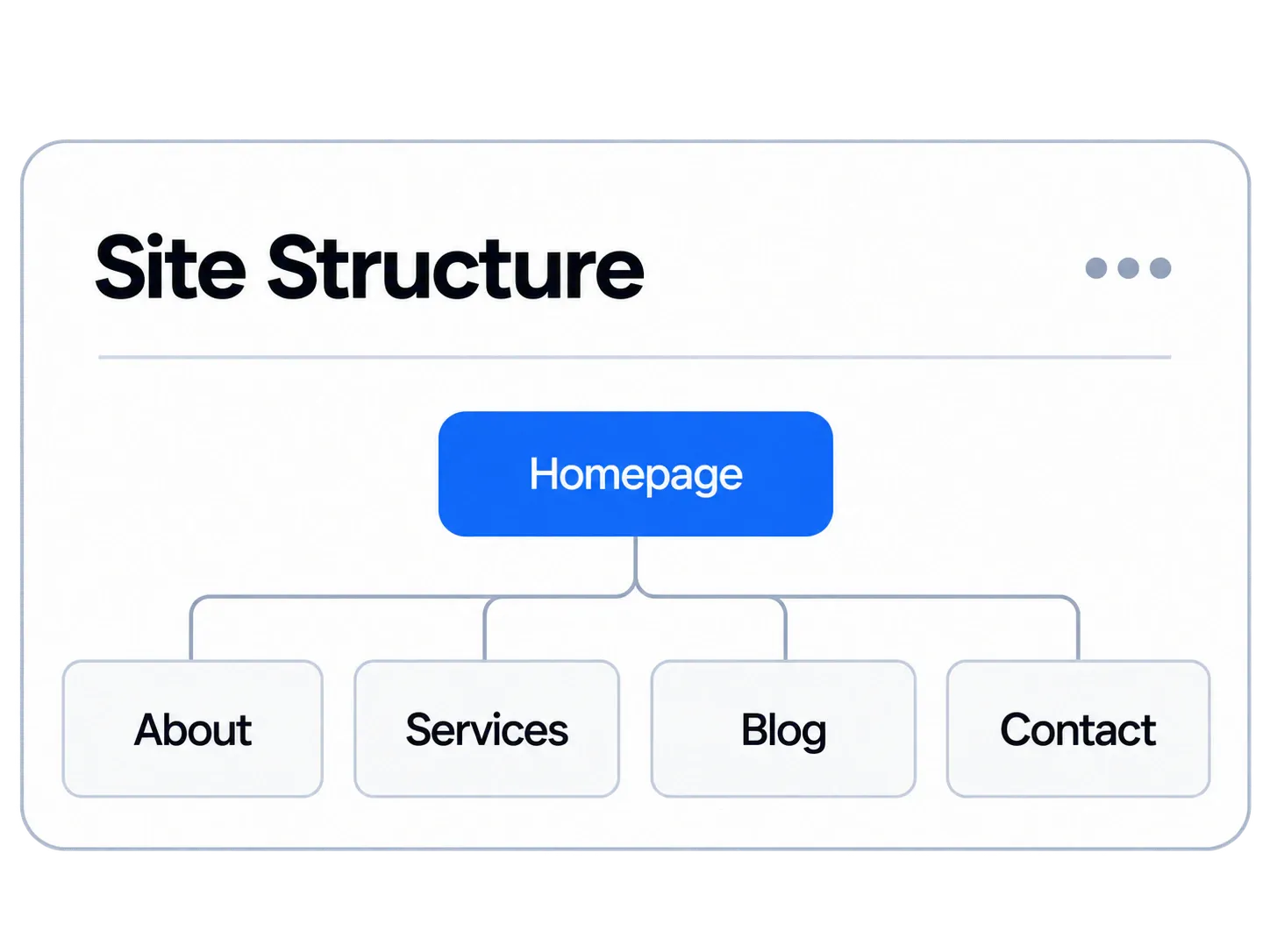
We map the page structure, content model, integrations and redirects before any design work starts.
We design the pages in your brand, or build from a Figma file or a design you already have.

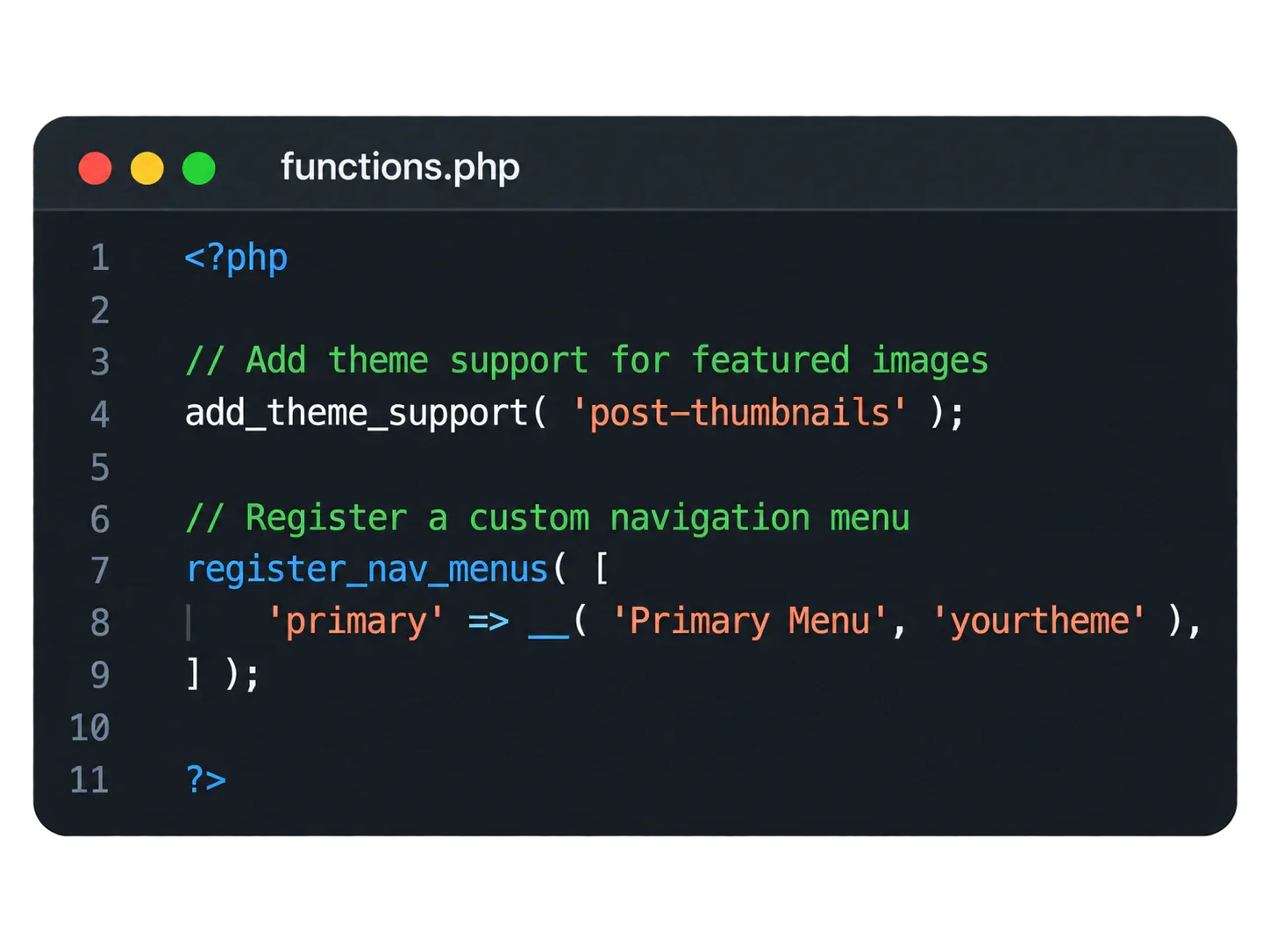
We build on a staging site with a custom theme, Elementor or custom plugins, whichever suits the job.
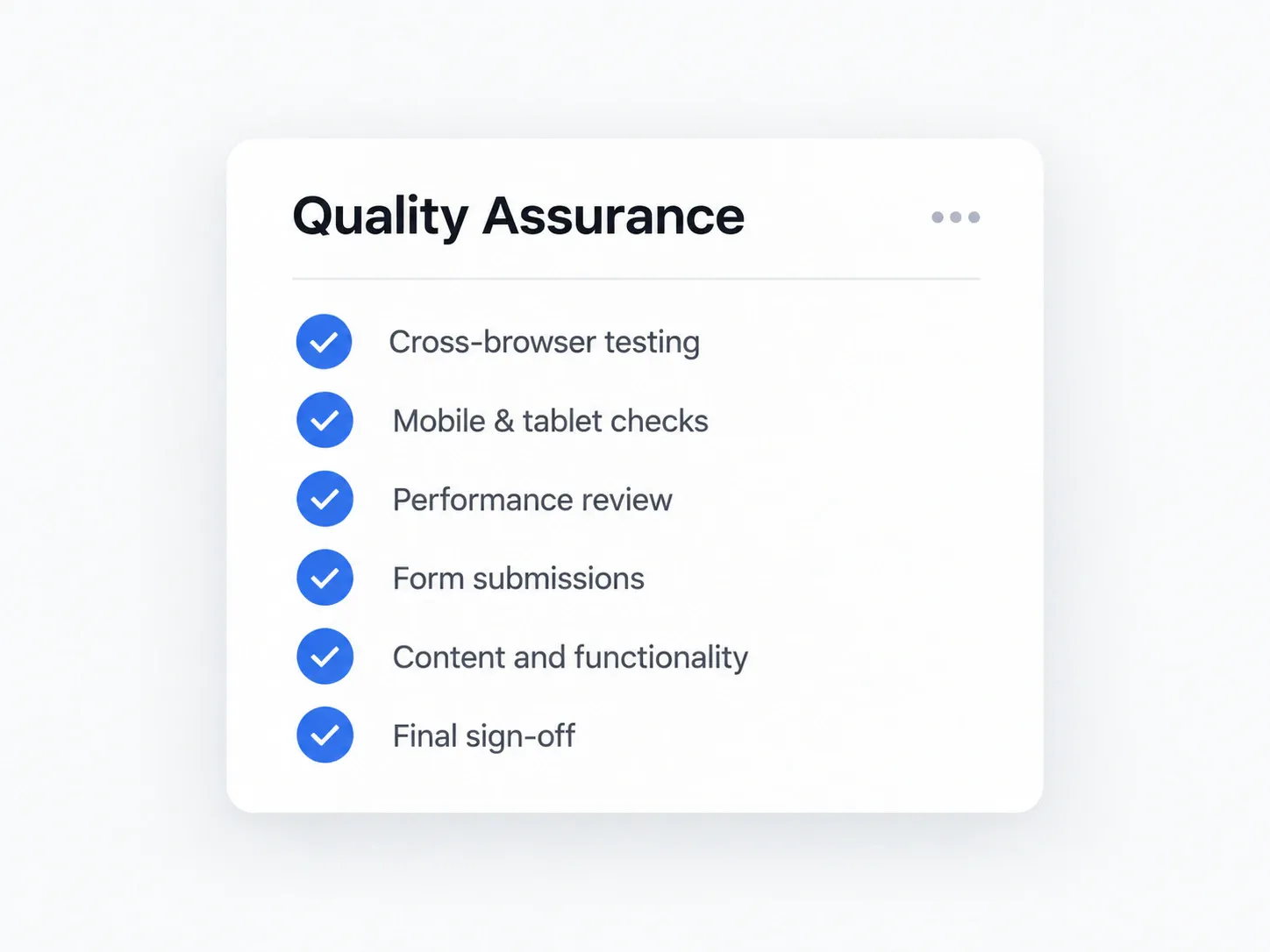
We check the pages on phones and desktop browsers, test the forms and tracking events, and review speed.
We switch the site over, check redirects, indexing and enquiries, and stay on hand for the first fixes.

Selected work

Legal Helpline, a UK claims management company, wanted its content organised into clear claim areas. We redesigned the site in Elementor Pro with one template that every claim guide shares, so their own team writes in WordPress while the layout stays the same.
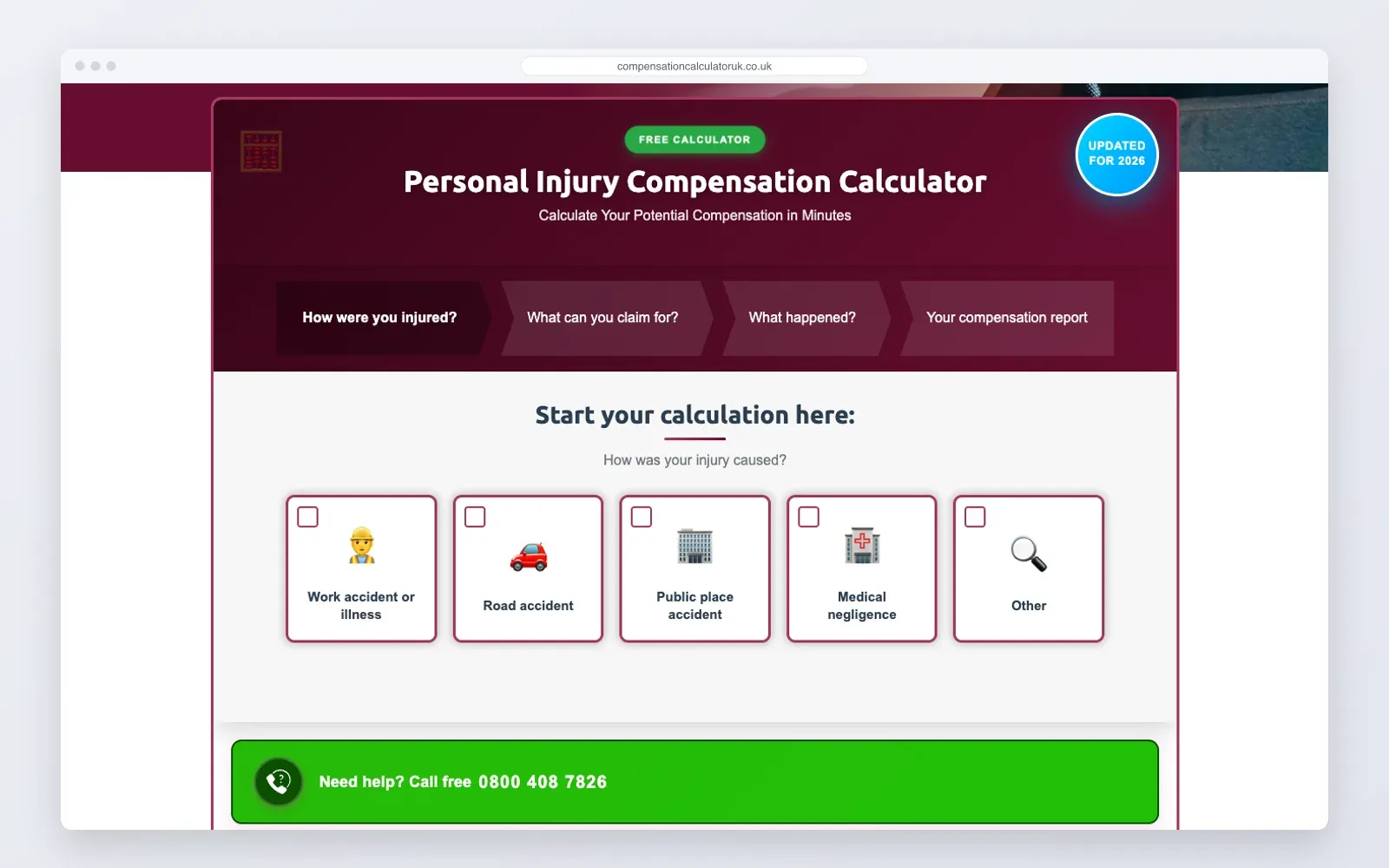
A step-by-step personal injury calculator based on the Judicial College Guidelines, which gives visitors an indicative range and leads them to an enquiry. We built it once as a plugin, and it runs on compensationcalculatoruk.co.uk and a second law firm site.
Pricing
Published ranges for new builds and rebuilds. Repairs and smaller jobs are quoted once Mian has looked at the problem.
A small brochure site or landing page, built on a solid foundation.
From $1,200
Fixed scope, one delivery
A full business website with custom design, CMS structure, WooCommerce or core integrations.
$2,500-$8,000
The usual range for a business site
Custom functionality, multi-location structures, migrations or advanced integrations.
Scoped to requirements
Quoted after a short call
Prices in USD. Every project is scoped individually, with the price agreed before work starts. Repairs are quoted after a short initial review of the issue. Describe your project
After the fix
WordPress, plugins and integrations keep changing, and updates are a common cause of the problems on this page. Our maintenance plans test updates on staging first, keep daily backups and monitor uptime and security.
Explore WordPress maintenanceQuestions
Yes. A lot of our WordPress work is on sites we did not build. We find the cause first, whether it is the theme, a plugin, the hosting or the content structure, and only suggest a rebuild when the current build is what keeps causing the problems.
Yes. Send the site address and what changed. Mian replies by email within one working day with what he would check first. The usual approach is to reproduce the error on a staging copy, find the plugin or code behind it, and fix it, or roll the update back safely while a proper fix is made.
Common causes are WordPress sending email without SMTP, missing SPF or DKIM records on the domain, a form plugin update, or a broken connection to the CRM. We test each step from the form to the inbox or CRM until we find where the enquiry stops, then fix that step.
Yes. Tracking often stops after a redesign, a theme change or a consent banner update. We check the tags, triggers and events in Tag Manager and GA4, fix what is broken and test that each conversion records again.
Yes. We build Elementor sites from a Figma file or an existing design, and fix Elementor sites whose layouts broke after an update, using reusable templates so they stay manageable for your team.
Yes. Host moves, domain changes and moves from Shopify, Wix or Squarespace to WordPress. Every old URL is mapped to a redirect, metadata is carried over, and indexing, forms and tracking are checked after launch.
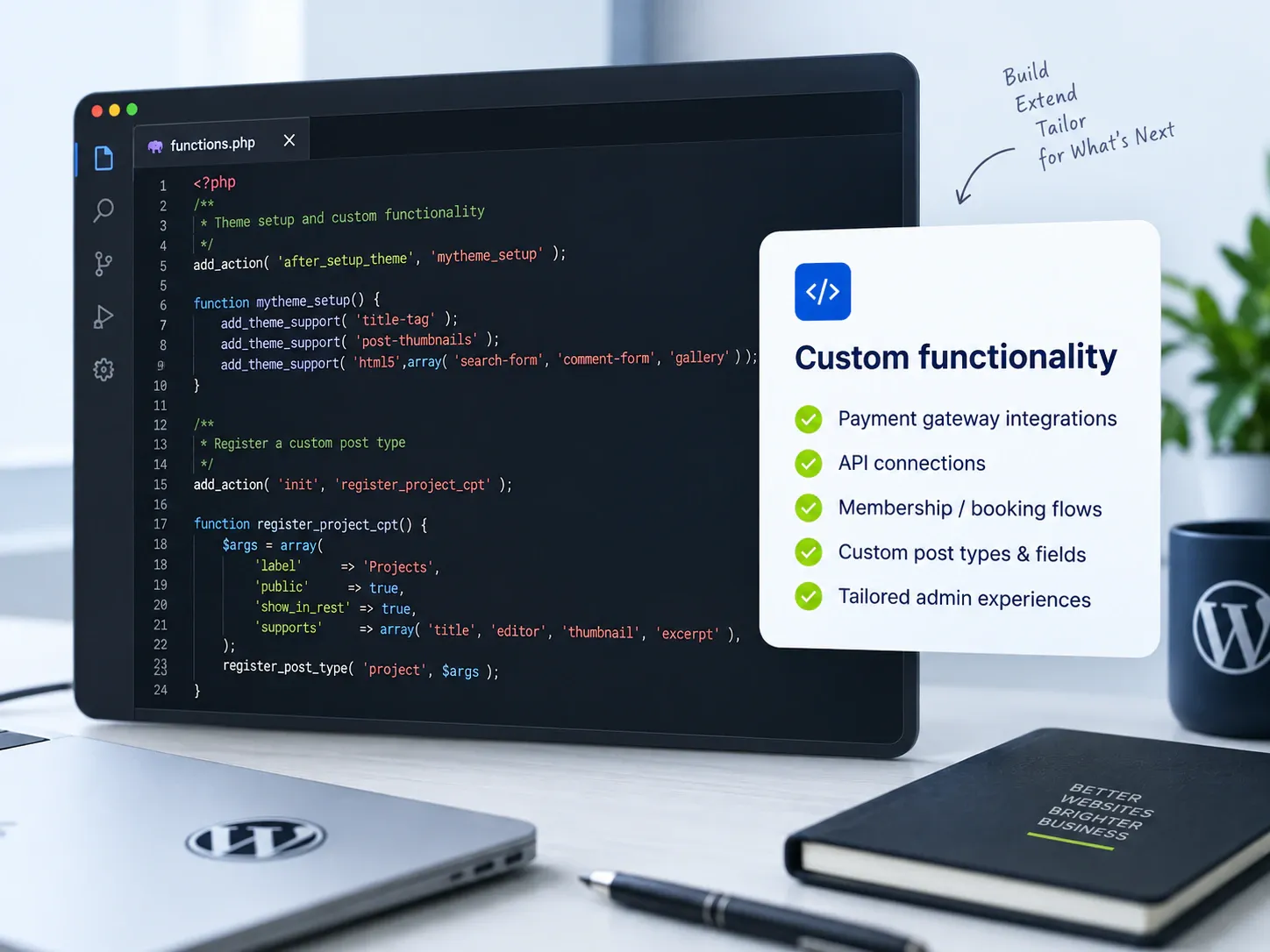
Yes. We build custom post types, ACF fields, custom plugins and integrations with CRM, email and payment systems when standard plugins fall short, so the site does what the business needs without a pile of workarounds.
Inspiry Solutions is a founder-led WordPress studio. Mian Rizwan, who has worked with WordPress since 2014, scopes and reviews every project, and you deal with him directly.
Yes. Much of our WordPress work is white label for web, SEO and marketing agencies, delivered under the agency's brand. We do not contact your clients unless you ask us to.
A typical business website takes 4 to 8 weeks, depending on content and integrations. Small brochure sites are usually quicker, and complex builds are scheduled after a short scoping call. Repairs are timed once we have seen the problem.
Yes. Our WordPress maintenance plans start from $99 a month for tested updates, backups and monitoring, through to ongoing development and optimisation on the monthly growth retainer.
Small brochure sites start from $1,200. A typical business website costs $2,500-$8,000, depending on design, content and integrations. Complex builds are quoted after a short call. Repairs are quoted after a short initial review of the issue. Prices are in USD, and every project is scoped before work starts.
Further reading
Plain answers to the questions worth settling before a new site or a rebuild starts.
Understand website budgets through scope, integrations, content, delivery responsibilities and running costs rather than headline prices alone.
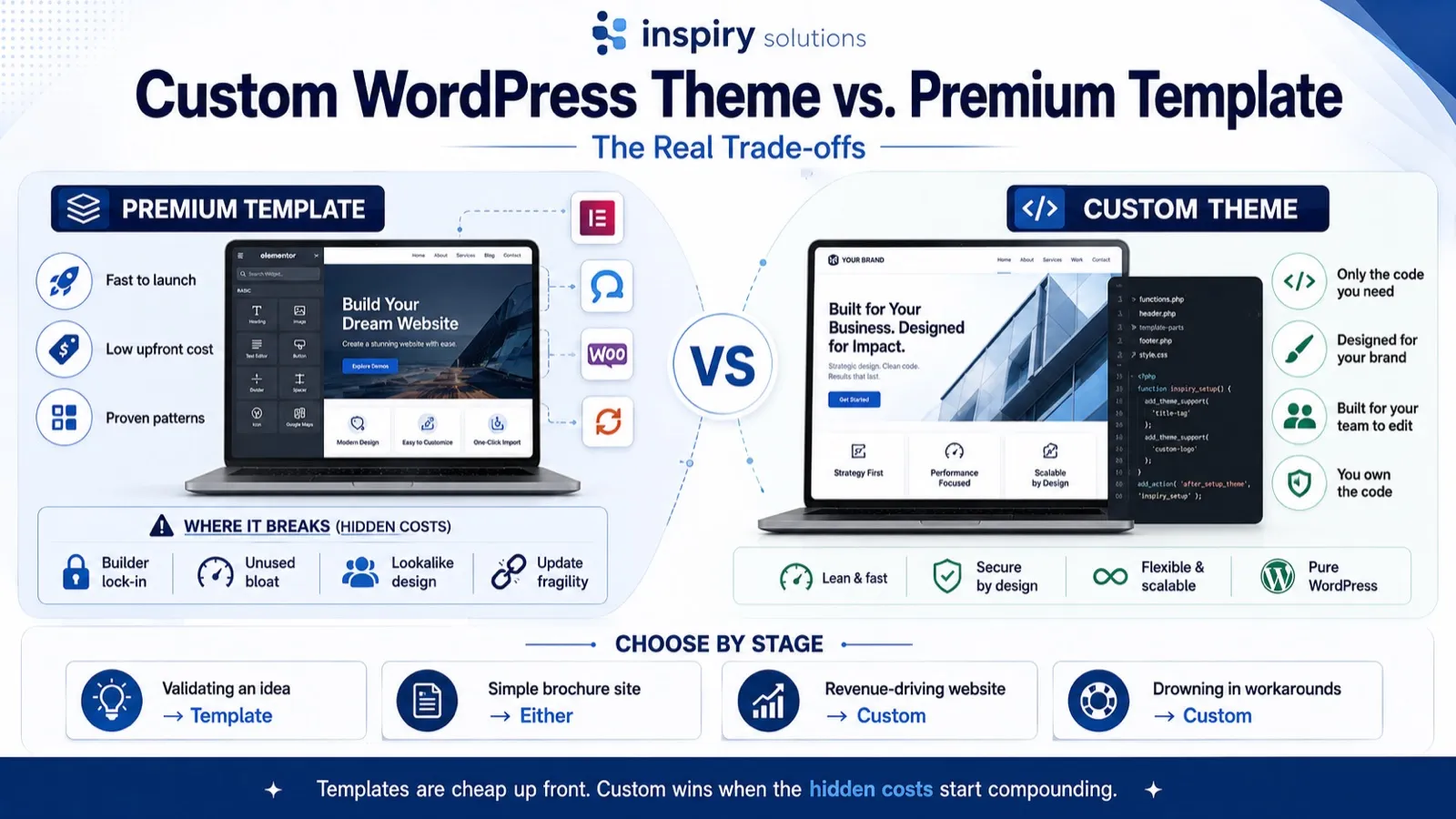
A balanced theme decision guide covering practical editing, performance, content portability and the maintenance obligations behind each approach.
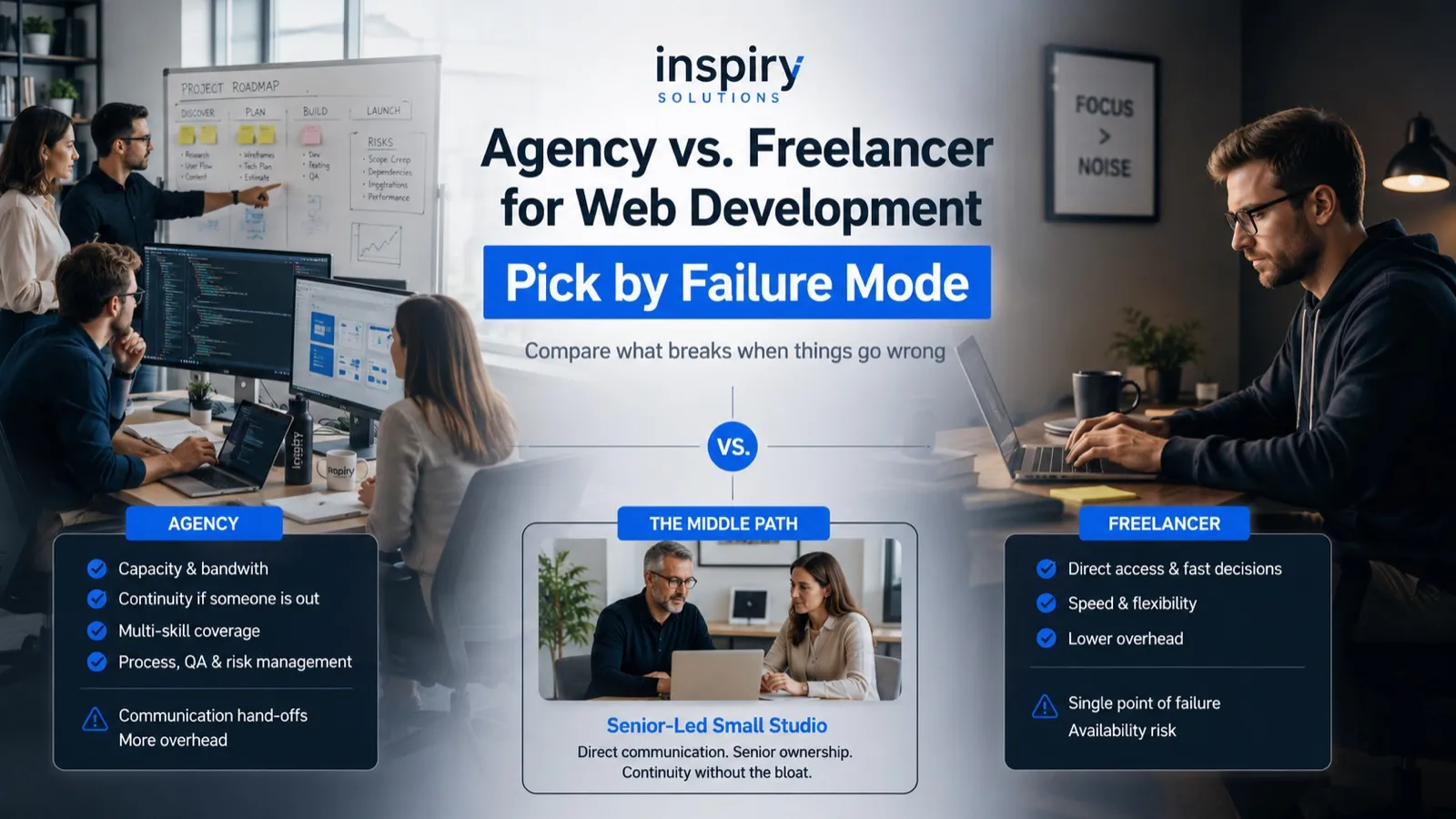
Choose a development partner by delivery capacity, communication, ownership, continuity and support, with practical evidence to request before commissioning.

Compare content-led and commerce-led platforms through your workflows, operating responsibilities, integration requirements and ongoing budget.
Next step
Send the site and a short description of the problem. Mian replies by email within one working day with what he would check first and how he would approach it.
We only use your details to reply to you. Privacy notice